
Android: coming soon to Google Play. iPhone: later.
Meow on your phone
Your extension in your pocket: the same business features as the desktop app, set up with one QR code, and ringing on the lock screen like any phone call. Built for offices on their own FreePBX or Asterisk.
Screenshots
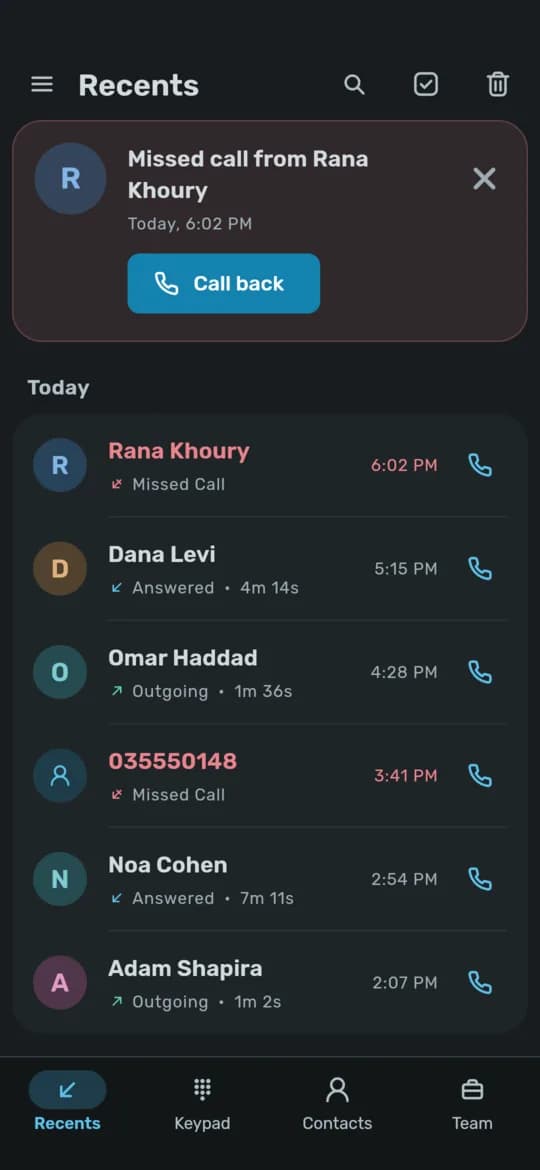
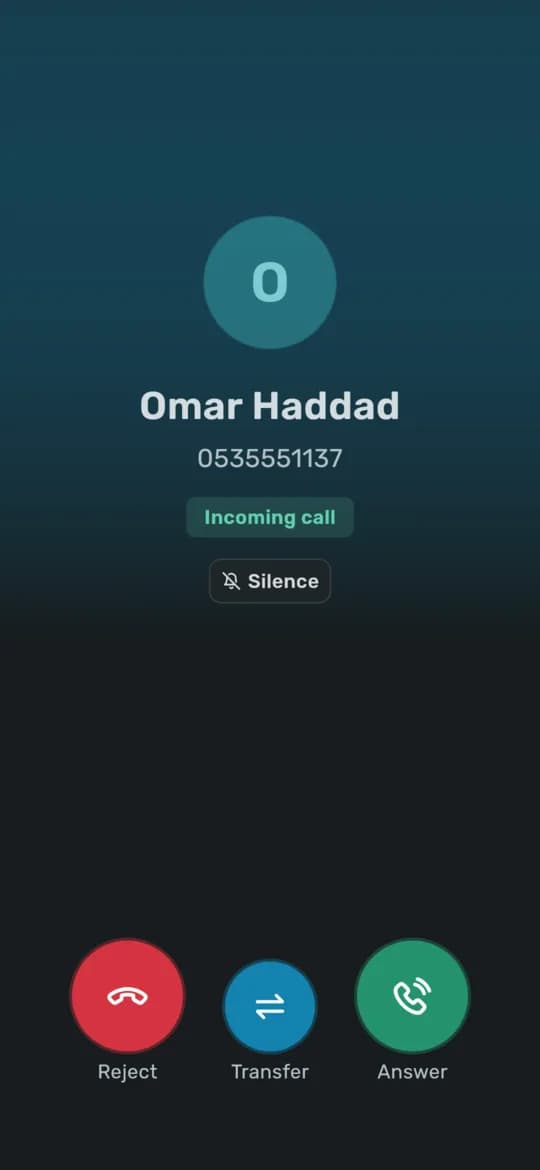
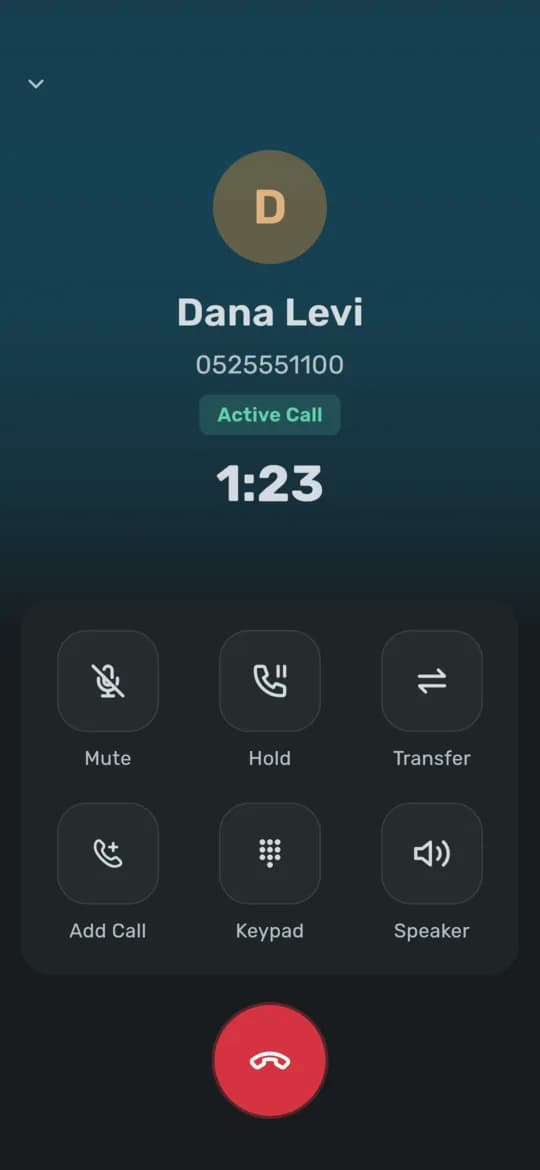
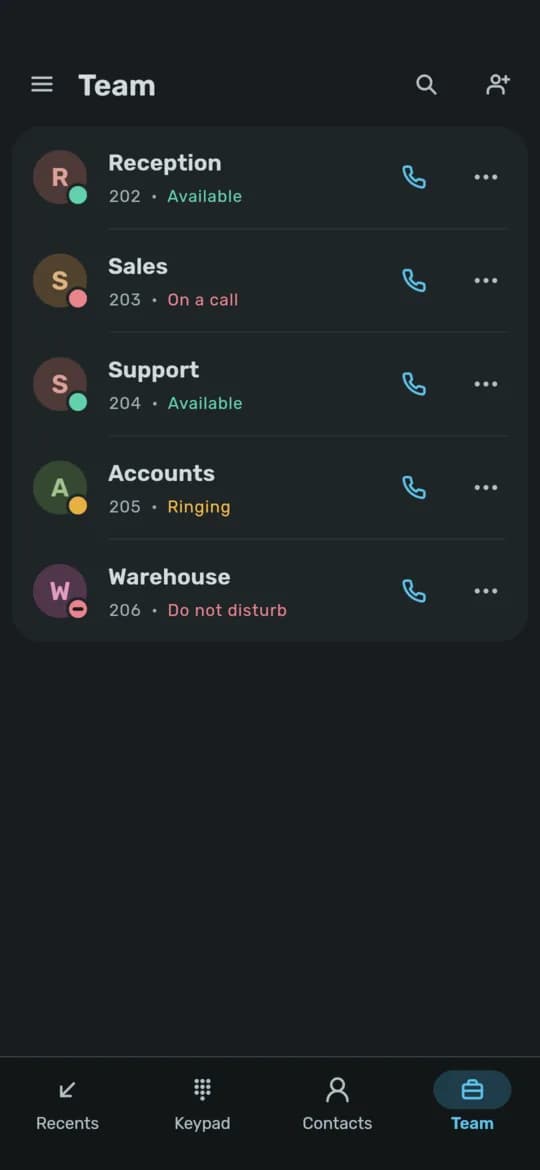
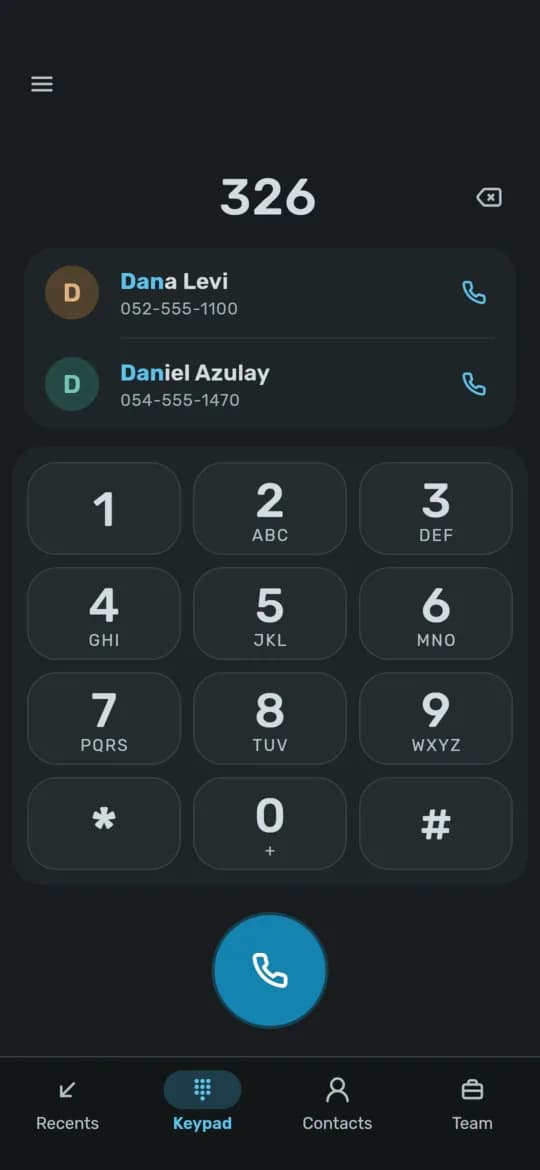
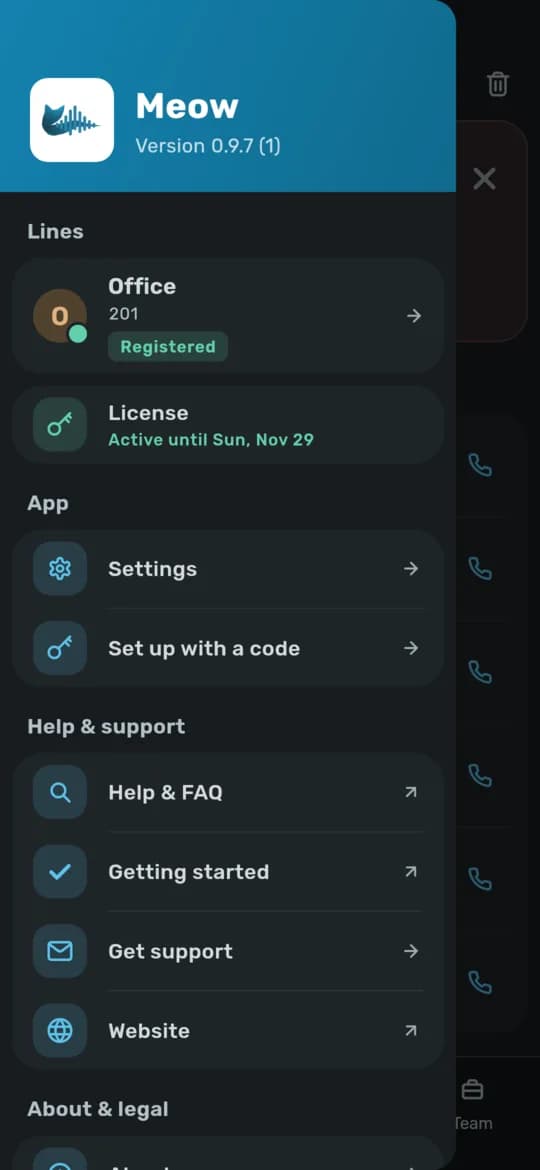
Demo data: every name and number is invented.
Made for business calls
- Two lines, each with its own account
- Transfer straight away, after the other side answers, or after you have spoken to them
- Hold, swap between two calls, and merge them into a conference
- Waiting calls, with a beep; answer, decline or send them elsewhere
- Team: see which colleagues are free, ringing or on a call
Rings like a phone
- Incoming calls ring on the lock screen, in the car and in your headset, through Android's own call system
- Calls ring even when the app is closed (see what your PBX needs, below)
- A call moves between Wi-Fi and mobile data without dropping
- Your phone's own contacts name every caller; nothing is copied or uploaded
Secure and private
- SIP over TLS with the server's certificate checked, and SRTP audio
- Calls go straight between the phone and your PBX, never through our servers
- Opus HD audio, with G.722 and G.711 for older systems
- In English and Hebrew, light and dark
How a call reaches a closed app
Android does not let an app keep a phone-system connection open in the background, and iOS does not either. So when a call comes in, your PBX first wakes the phone, and only then rings it:
- 1Your PBX asks our server to wake the phones that answer the extension being called.
- 2Our server sends a wake-up through Google's push service. It carries the caller's number and name, and nothing about the call itself.
- 3The phone rings at once and connects to your PBX directly, in about a second.
- 4Your PBX rings it like any extension. The call and its audio go between the phone and your PBX only.
Our server never holds your SIP password and never carries a call. What it keeps, and for how long, is in the Privacy Policy.
What you need
The Meow module on your PBX
Step 1 above is not something a phone system does on its own. For the app to ring while it is closed, your PBX needs the Meow module: FreePBX and Asterisk today. Your administrator installs it in FreePBX's Module Admin and switches each phone's extension on; the steps are in PBX Setup.
On a PBX where nothing can be added, such as 3CX or most hosted phone services, the app still makes calls and receives them while it is open, but a closed app does not ring.
- A SIP account on your PBX for each phone, reachable from the internet over SIP/TLS (port
5061on FreePBX), so the phone can connect on mobile data too. One extension per phone works best. - A Meow license with a free seat. A phone takes a seat like a computer does; an administrator can remove a phone that is no longer used and free its seat.
- Android 9 or later with Google Play services (no Google account needed). Phones without Play services, such as Huawei since 2019, cannot be woken for calls.
Setting up a phone
The administrator
Makes a setup code for the phone in the license portal: the license and, if wanted, the phone's SIP account in one QR code. It works once and expires (after a day, unless set longer).
The user
Installs Meow, opens the menu, Set up with a code, and scans it. The line registers and the phone is ready. Step by step, with the battery settings that matter: Getting Started.
When it is out
The Android app goes to Google Play first; the iPhone app follows. Licenses you buy now cover phones as well as computers, seat for seat. Questions about your PBX, or want to try it early? Contact us.