
Modern SIP Softphone
that just works!
C++20 · Qt 6 · baresip
Meow is a lightweight SIP softphone for Linux and windows. Crystal-clear VoIP calls, native desktop integration, and a beautiful interface. Works with FreePBX, Asterisk, and other SIP provider.
Built by qFiber LTD - fiber-optic & communications specialists
Who it is for
Built for whoever runs the phones
If the phone system is your responsibility, these are the four things you will be asked about. Each one has a page behind it.
You already run the PBX
Meow speaks standard SIP, so it connects to what you have: FreePBX, Asterisk, 3CX, FusionPBX, Kamailio, OpenSIPS, on your own hardware or hosted. UDP, TCP and TLS transports, and nothing proprietary in the middle.
How it connectsYou have to put it on every desk
Packages for Debian, Ubuntu, Mint, Fedora and Windows, plus an AppImage that needs no installation at all. Each one is self-contained, so there is no Qt version on the machine for it to argue with, and the Windows installer takes a silent switch.
Deployment guideYour people are on calls all day
Two SIP lines at once and several numbers behind one account. Hold one call and take another, swap between them, merge them into a conference, transfer, and record when you need a record of what was agreed.
What it can doYou answer for where the data goes
Calls run directly between your machines and your PBX. We operate no relay, so no conversation of yours passes through our systems. Contacts, history and recordings stay on each machine, and SIP credentials are encrypted there.
Security detailsFeatures
Built for professionals
Everything you need for business communications, nothing you don't.
Two lines, several numbers
Register two SIP accounts at once and see the status of each. Providers that put several numbers behind one account are supported too: every number registers separately, so any of them can take a call, and you choose which one places an outgoing one. iWay (Switzerland) is built in: choose it during setup, enter your phone number and SIP Username, and Meow fills in the server for you.
Works with the PBX you already have
Standards-compliant SIP through baresip, over UDP, TCP or TLS, with SRTP-encrypted audio. FreePBX, Asterisk, 3CX, FusionPBX, Kamailio, OpenSIPS, self-hosted or cloud. Nothing proprietary in the middle and nothing to migrate.
Native, not a browser in a costume
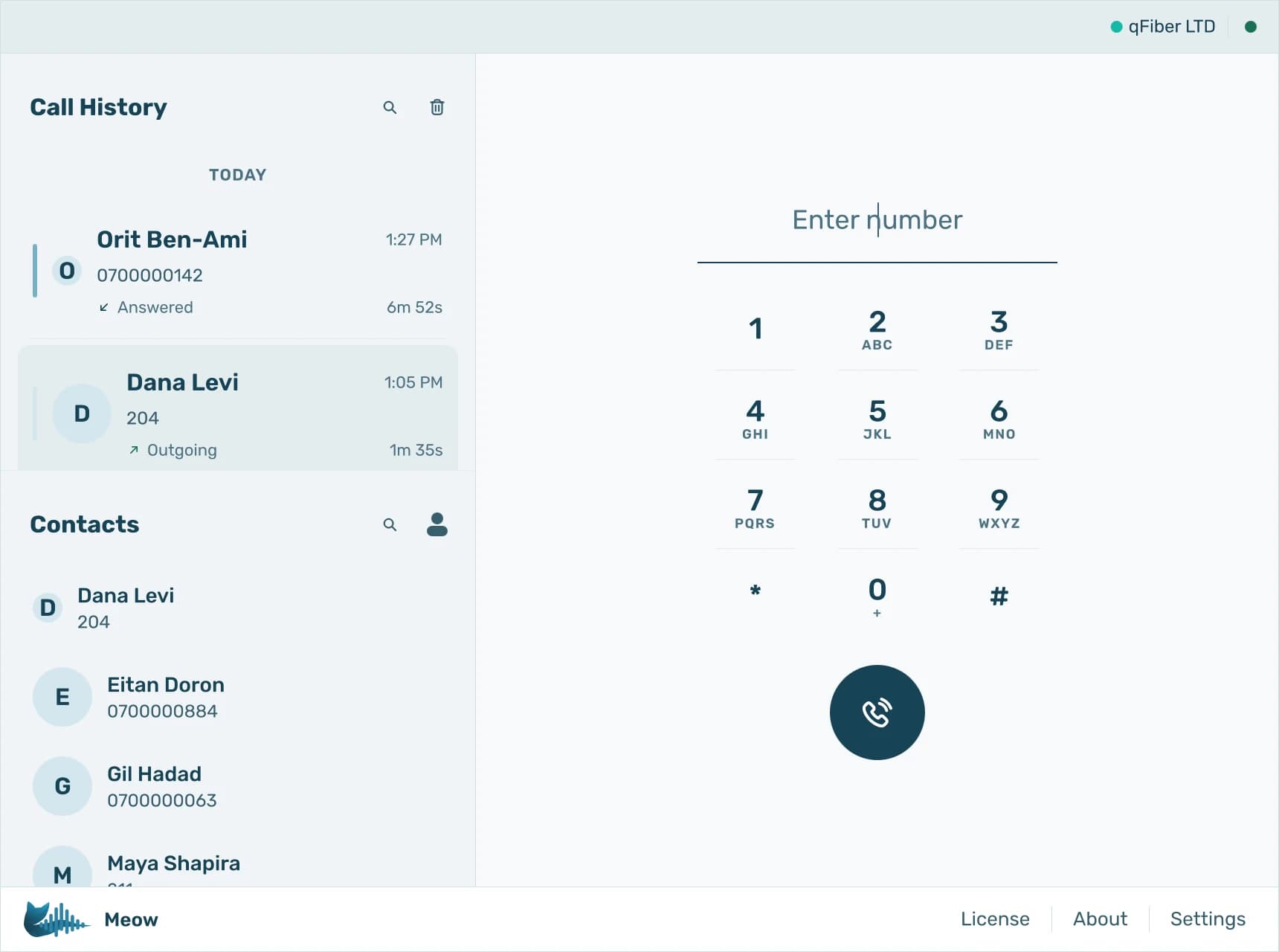
C++20 and Qt 6, using about 60 MB of application memory. Real system tray, real desktop notifications, and audio devices that can be chosen separately for microphone, call audio and ringing.
A card for everyone who calls
Every contact has a card: picture, first and last name, phone, mobile and work numbers, email, website, birthday and notes, with every call you have had with them underneath. A caller on any of their numbers is recognised, and a stranger gets the same card with one click to save them or add the number to someone you already have.
Bring your address book with you
Import contacts from a vCard file exported from your phone, Google, Apple or Outlook, pictures included. Numbers you already have are skipped and Meow tells you what it left out and why. Export everyone, a selection, or a single contact the same way.
History that answers questions
Calls grouped by person, missed calls in red, recordings a click away, and a timeline down the side of a long history to jump through months of calls. Select any number of entries or contacts and delete them together; every delete asks first.
Everything held on your machine
Contacts, pictures, call history and recordings live in a database on the computer, with number matching that recognises a caller however their number is written. Nothing syncs to us, because there is nowhere for it to sync to.
Everything your desk phone does
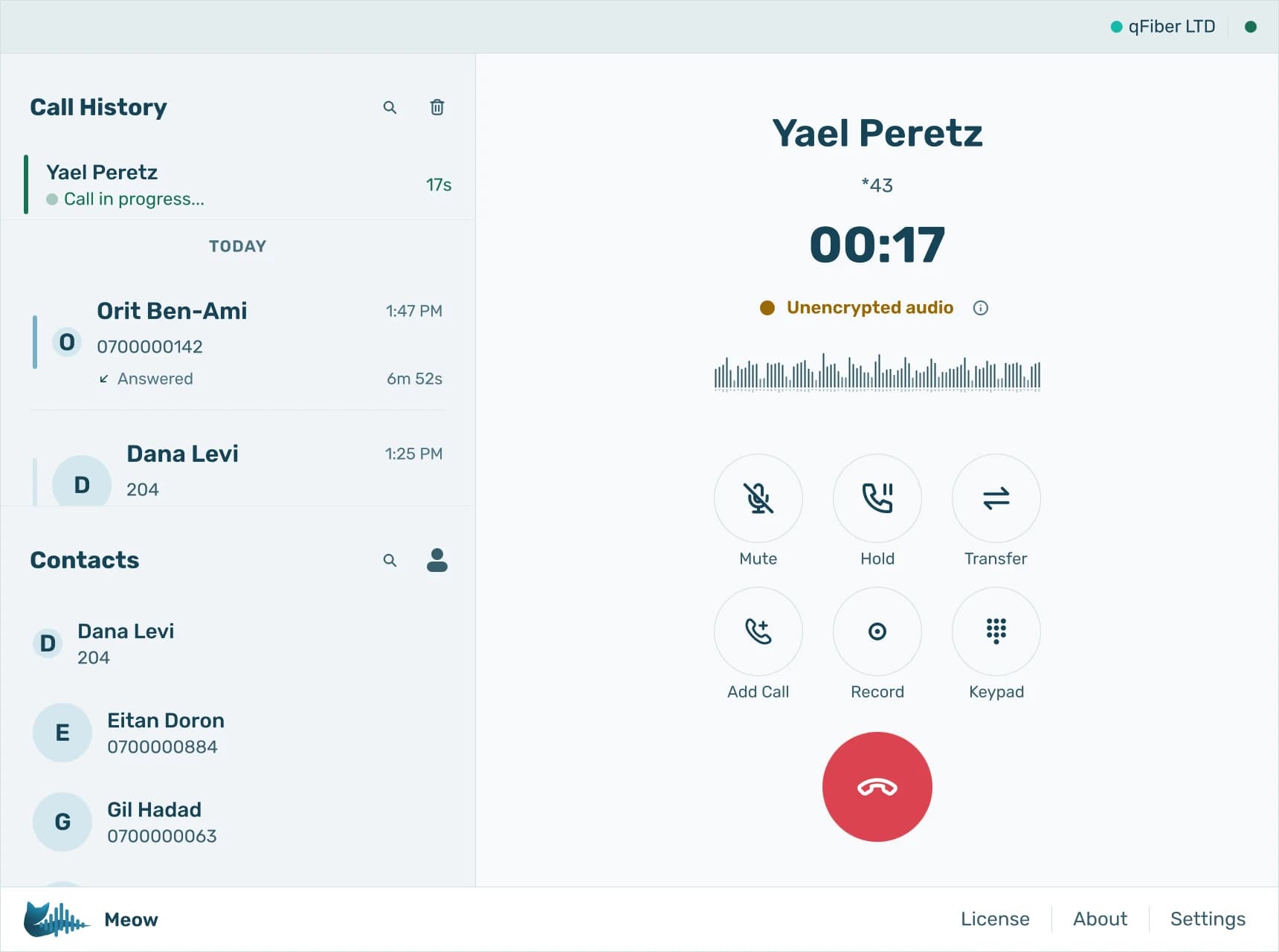
Meow is a full PBX endpoint, not a dialler. Every control your team relies on is one click away while the call is live.
- Hold one call and swap to another
- Transfer blind, or speak to the colleague first and then connect them
- Three-way conference by merging two calls
- Call recording, saved to your own machine
- Two SIP lines, and several numbers behind one account
Calls ring in the main window
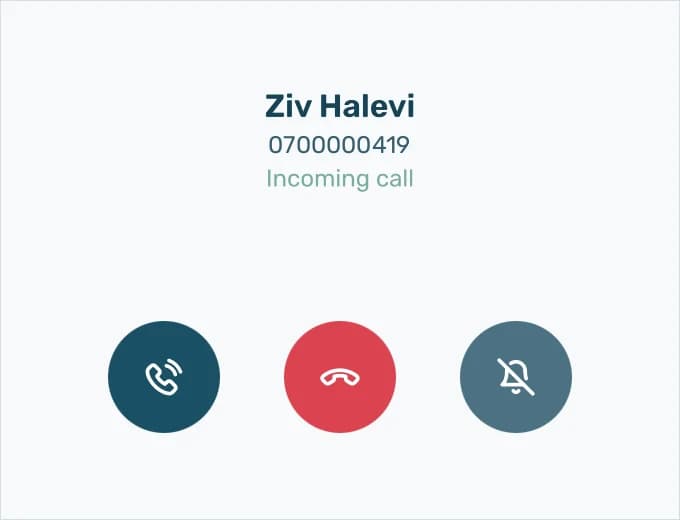
An incoming call shows inside Meow's main window, with the caller matched against your contacts, and you answer or decline it there. Meow brings the window to the front when a call rings and again when it is answered, so the call is in view even if the app was behind other windows.
GNOME does not let an application bring its own window forward, so on GNOME the alert is a desktop notification instead, with Answer and Decline buttons on it.
Configured once, by you
Everything is a local setting on the machine it applies to. There is no web console in the middle, and no account of ours holding your configuration.
Audio
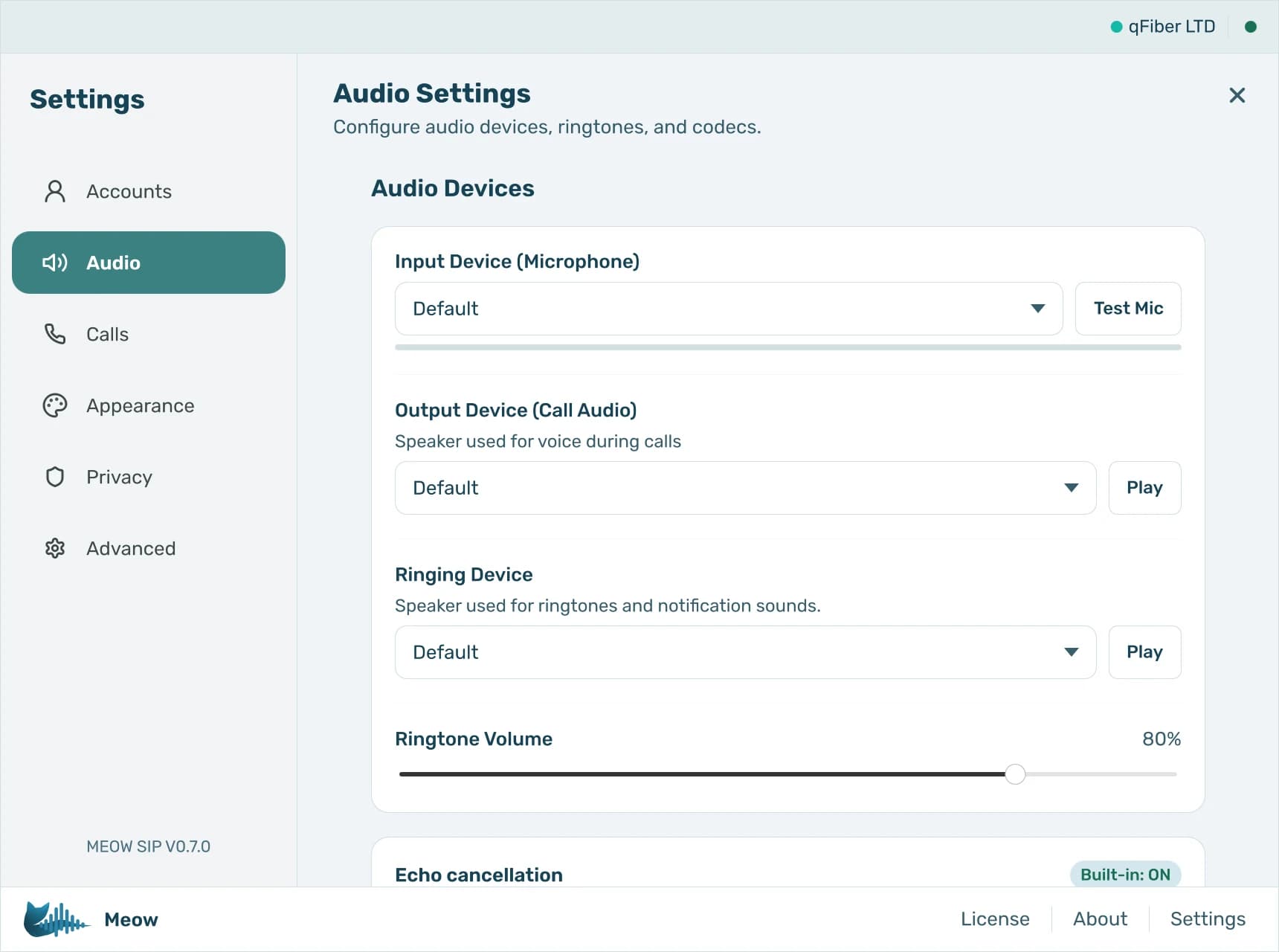
Pick the microphone, call output and ringing device separately. Test each before a call, not during one.
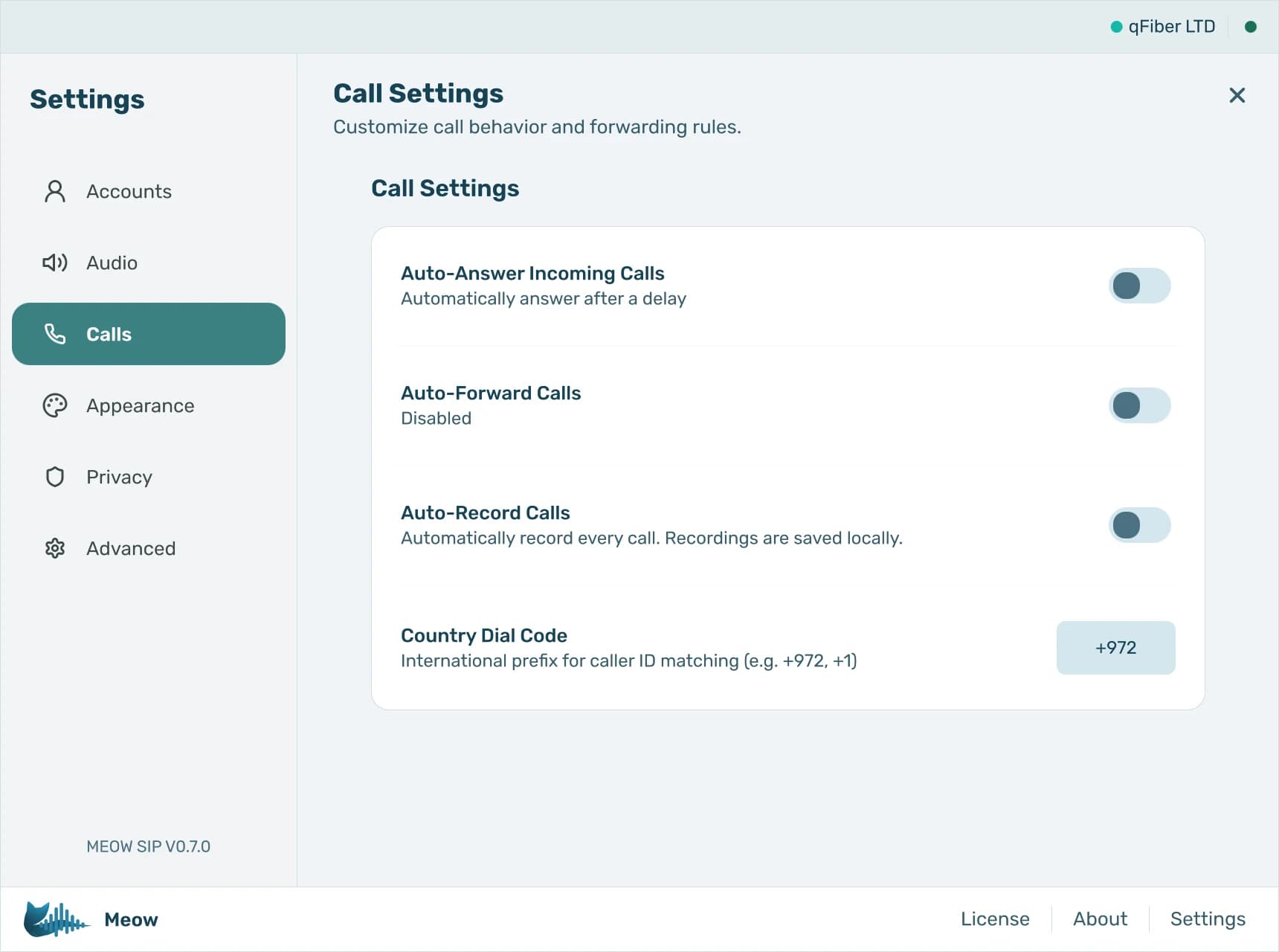
Calls
Auto-answer, call forwarding, automatic recording, and the dial code used to match caller ID to your contacts.
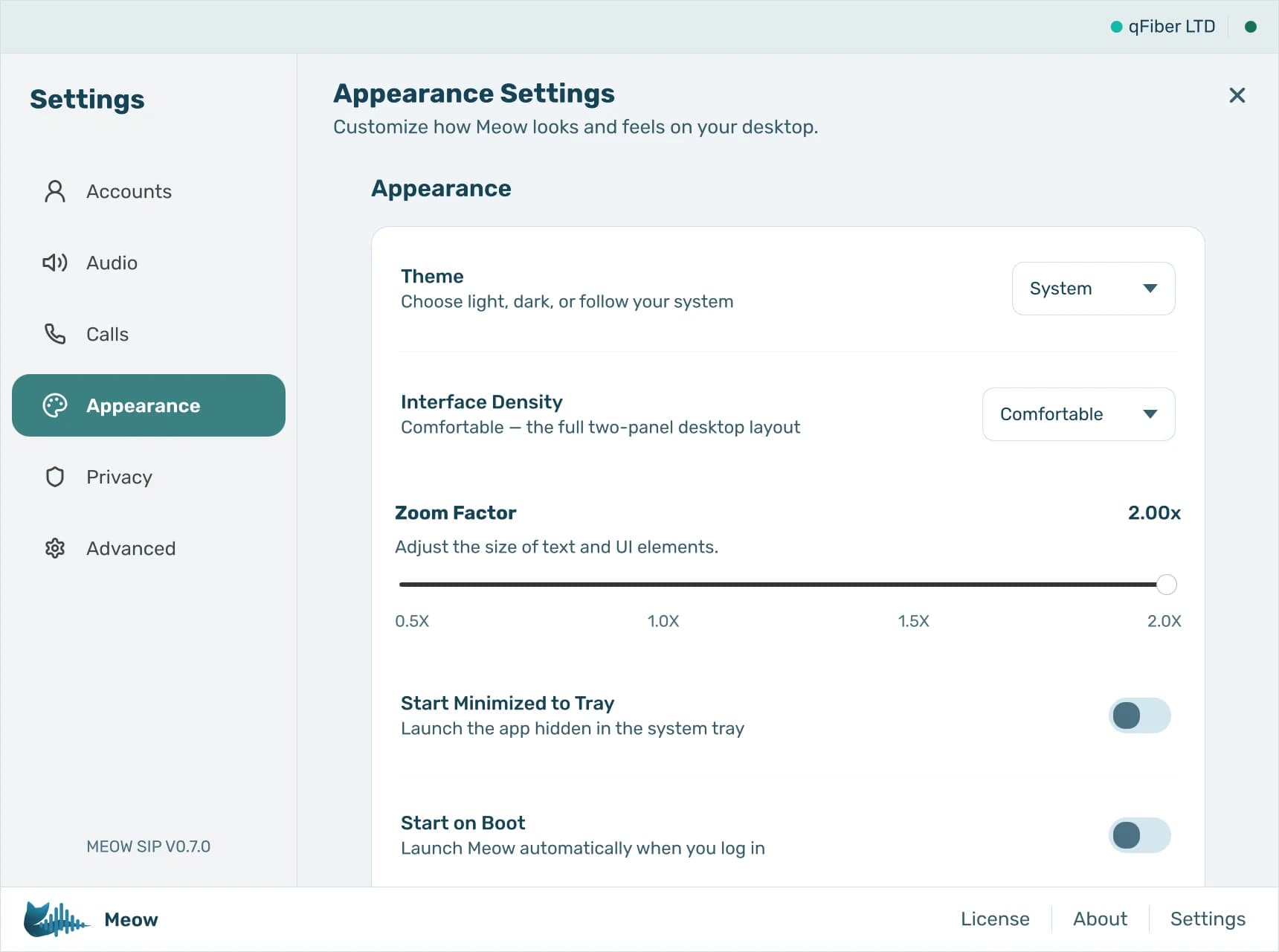
Appearance
Light, dark or follow the system. Interface density and a 0.5x–2x zoom, so it fits a laptop or a call-centre monitor.
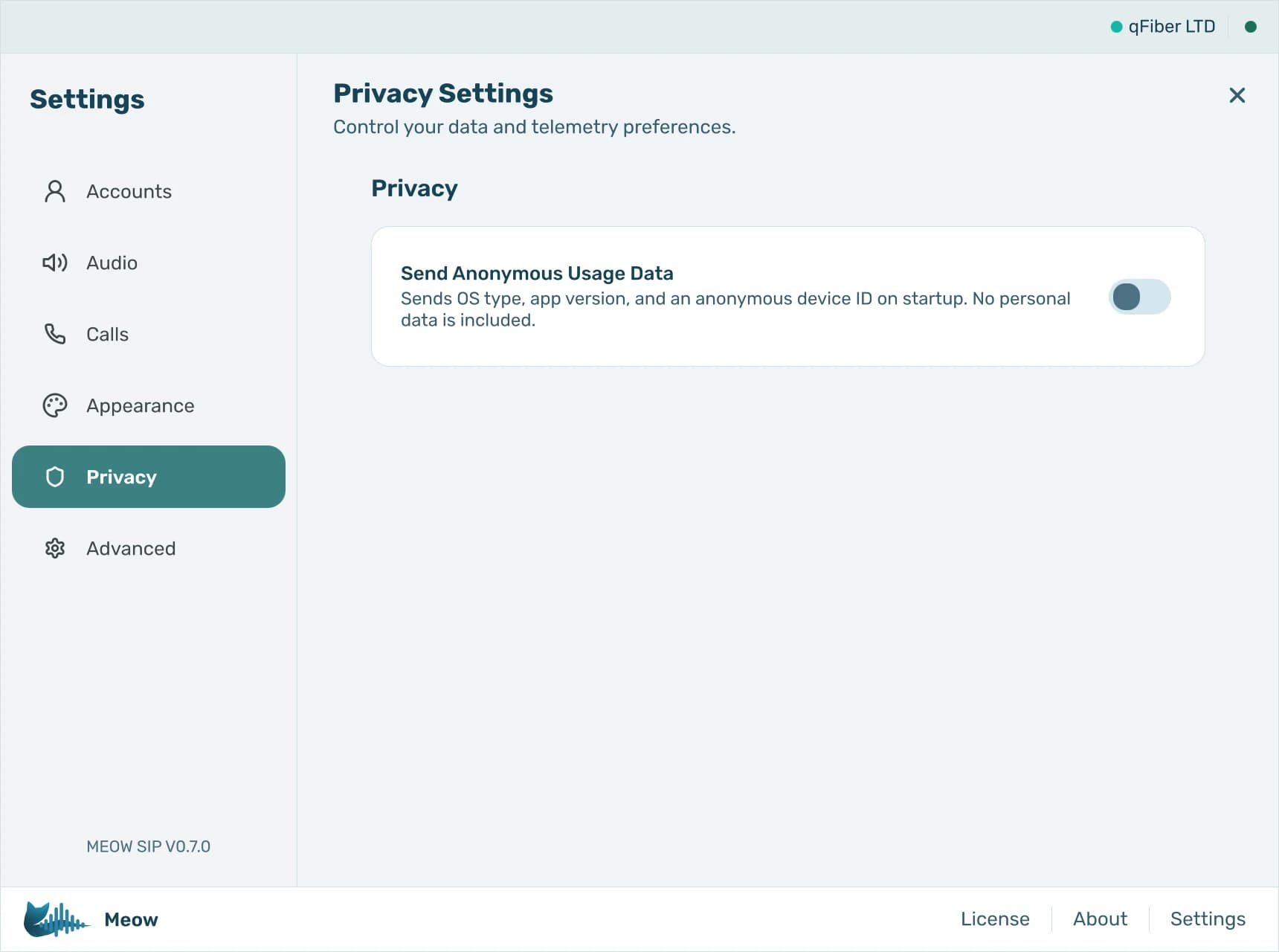
Privacy
One telemetry switch, and a first-run prompt that asks before anything is sent. No call content, no contacts, no personal data.
Why switch to Meow?
Most desktop softphones are bloated Electron apps or abandoned projects. Meow is built different.
| Meow | Typical alternatives | |
|---|---|---|
| Electron-based softphones | ~60 MB application memory | 300–800 MB RAM |
| Startup time | Under 1 second | 3–8 seconds |
| Audio engine | Native (WASAPI / PipeWire via libpulse) | WebRTC wrapper |
| Desktop integration | System tray, notifications, dark theme, hot-plug audio | Limited or none |
| Privacy | Calls go directly to your PBX. No data on our servers. | Often routes through vendor servers |
| PBX compatibility | Any SIP server (FreePBX, Asterisk, 3CX, etc.) | Often locked to vendor ecosystem |
Want a detailed breakdown? See the full comparison
Coming soon to Google Play
Your extension on your phone, too
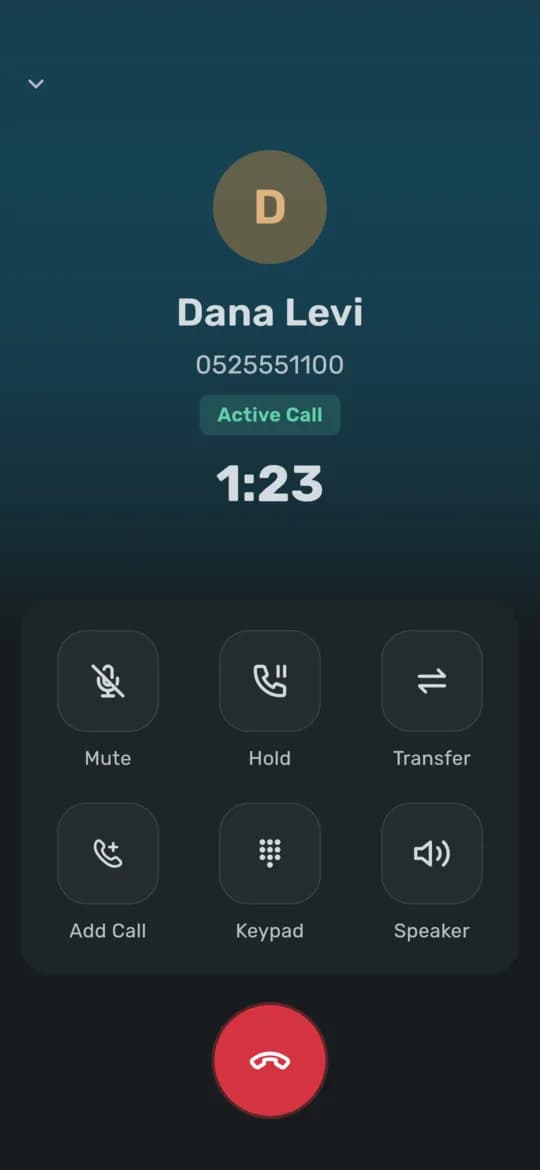
Meow for Android brings the same lines, transfers, conference and busy lamps to the phone. Your administrator sets it up with one QR code, and calls ring on the lock screen even with the app closed, once your FreePBX or Asterisk has the Meow module. The iPhone app follows.
Meow on your phone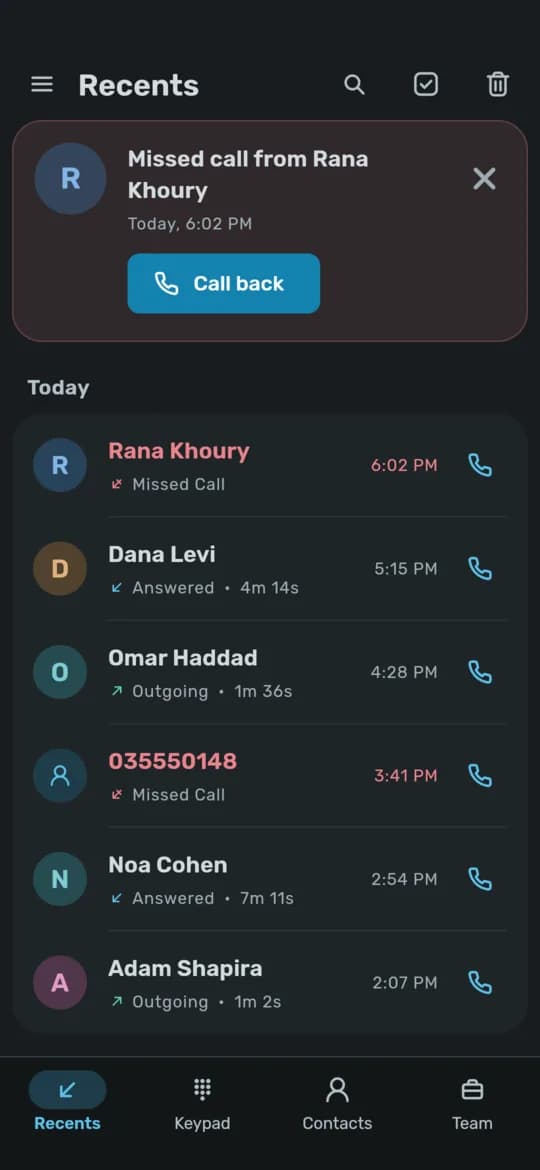
Simple, transparent pricing
Start with a 14-day free trial, no credit card required. Each plan covers the number of devices it lists, computers and phones alike, with no per-minute charges and nothing tying you to a particular PBX or carrier.
Prices are in US dollars and do not include VAT. Buyers in Israel and the Palestinian territories pay in shekels, with 18% VAT included.
Personal
For individuals and freelancers
- All SIP features
- Call history & contacts
- 14-day free trial
Professional
For teams and small businesses
- Everything in Personal
- Priority support
Enterprise
For organizations with custom needs
- Everything in Professional
- Dedicated support
- Custom integrations
Not ready to commit? No problem. Meow is completely free for 14 days, no credit card needed. Just download and start calling.